PNG vs SVG: Which File Do You Need?
You found the perfect design, downloaded the files… and now you’re looking at a PNG and an SVG wondering which one to open.
The short answer is simple:
- Choose PNG for printing, sublimation and digital projects.
- Choose SVG for Cricut, Silhouette and projects that require cutting or resizing.
Here is a closer look at both formats and when to use each one.
What is a PNG file?
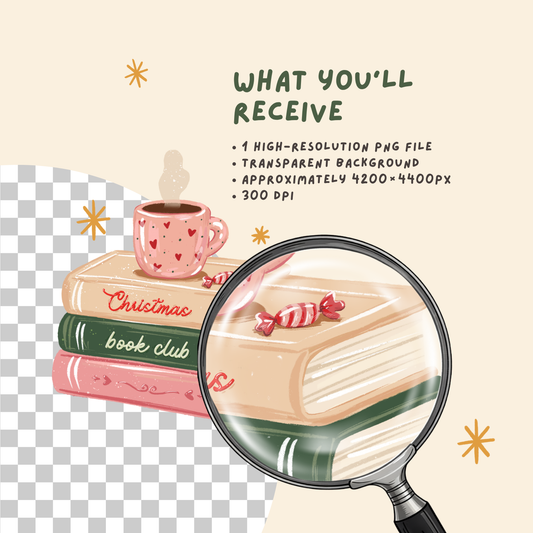
A PNG is a pixel-based image, similar to a photograph. High-quality PNG files usually come with a transparent background, so you can place the design on a shirt, mug, sticker sheet or digital canvas without a white box around it.
PNG files are especially useful for:
- sublimation printing;
- DTF and other printed transfers;
- printable stickers;
- mugs and tumblers;
- tote bags;
- greeting cards;
- wall art;
- digital planners;
- social media graphics.

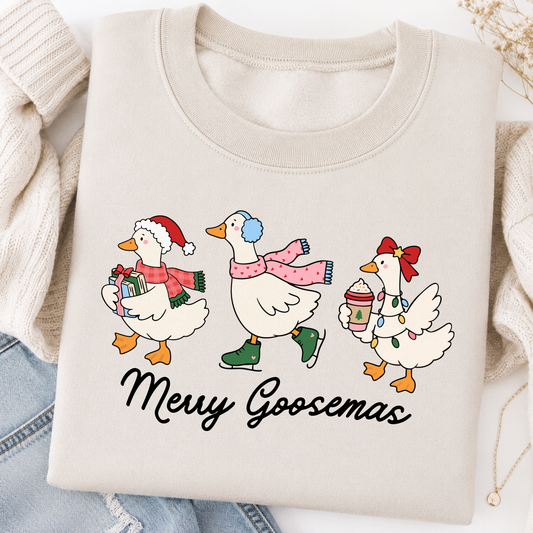
For example, if you want to print a colorful RubiBloom illustration on a T-shirt exactly as it appears in the preview, the PNG will usually be the easiest choice.
PNG files can be resized, but only to a certain point. Making a small PNG much larger may cause it to look blurry or pixelated. This is why printable designs are normally supplied in a large, high-resolution size.
What is an SVG file?
SVG stands for Scalable Vector Graphics. Instead of being built from pixels, an SVG uses shapes, lines and paths.
This means you can make the design much larger or smaller without losing quality. Vector elements may also be separated into editable shapes or color layers, depending on how the file was created and which program you use.

SVG files are commonly used for:
- Cricut Design Space;
- Silhouette Studio Designer Edition;
- vinyl cutting;
- heat transfer vinyl;
- paper crafts;
- stencils;
- signs;
- decals;
- resizing and recoloring designs.
If you want your cutting machine to cut the individual shapes in a design, choose the SVG file.
Both PNG and SVG files can be uploaded to Cricut Design Space. However, Cricut treats them differently: a PNG is imported as a raster image, while an SVG can retain vector shapes for cutting. Cricut confirms that Design Space supports both raster and vector uploads.
PNG vs SVG at a glance
| If you want to… | Choose |
|---|---|
| Print a full-color design | PNG |
| Make a sublimation transfer | PNG |
| Create printable stickers | PNG |
| Add the design to a digital planner | PNG |
| Use Print Then Cut | PNG |
| Cut vinyl with Cricut or Silhouette | SVG |
| Change individual colors or shapes | SVG |
| Resize the design without losing quality | SVG |
| Create a stencil, decal or sign | SVG |
Which file should I use for a T-shirt?
It depends on how you are making the shirt.
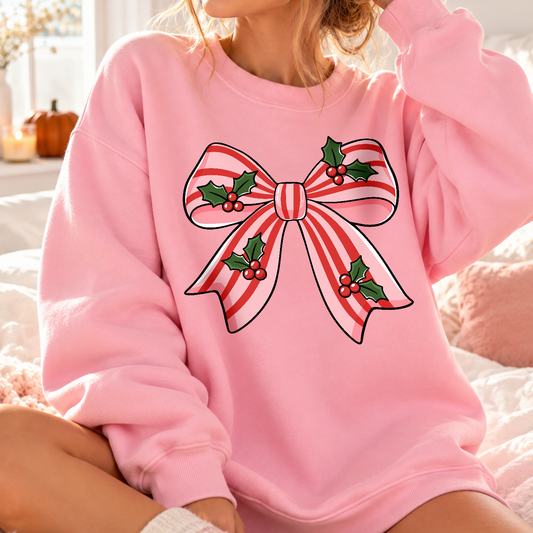
For sublimation, DTF or another full-color printing method, use the PNG file. It keeps the complete illustration together and preserves the transparent background.

For heat transfer vinyl, use the SVG file. Your cutting software can read the vector shapes and prepare them for cutting.
If you are sending the design to a professional print shop, ask which format they prefer before uploading your file.
Which file should I use for stickers?
Use a PNG for printable stickers, sticker paper or Cricut Print Then Cut. It keeps all the colors and small illustrated details in one image.
An SVG can be useful when you want to create a simple vinyl decal or change the shapes before cutting.
Can I edit the colors?
SVG files are usually the better option when you want to recolor separate vector elements. The editing options will depend on the design and the software you are using.
A PNG is a flattened image, so its individual colors and shapes are not separated. You can still make basic adjustments in an image editor, but it is not as flexible as a vector file.
Why do RubiBloom downloads include both?
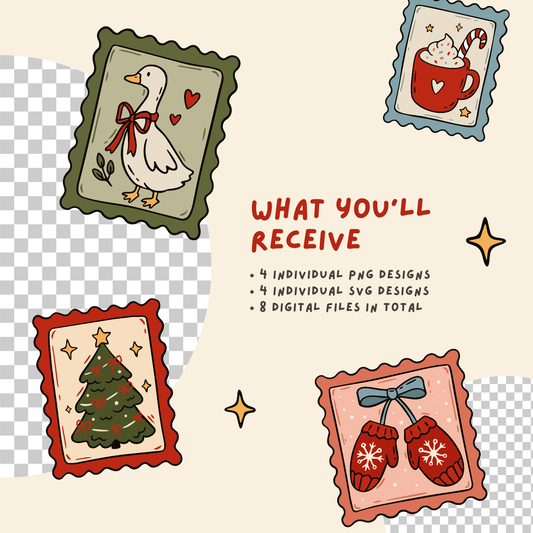
Most RubiBloom designs include a high-resolution transparent PNG and an SVG, so you can choose the format that suits your project.
Use the PNG when you want the ready-to-print illustration. Use the SVG when you need a scalable cut file or want more control over the individual vector elements.
If you are still unsure, start with the PNG for printing and the SVG for cutting. That little rule covers most craft projects.